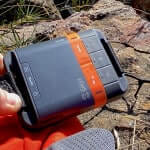
Yay! You’ve decided to get an emergency satellite communicator – great decision. If you’ve chosen a Garmin InReach (over a personal locator beacon), it’s super important that you can count on the SOS function to work when you need it. [For me I carry both a PLB (RescueMe PLB1) and a sat communicator. And if I could only carry one, it would be a PLB.]
I got in touch with a Garmin specialist to help answer the question of what’s the difference between a suspended Garmin InReach account and a cancelled one. And importantly, will the SOS function still work?
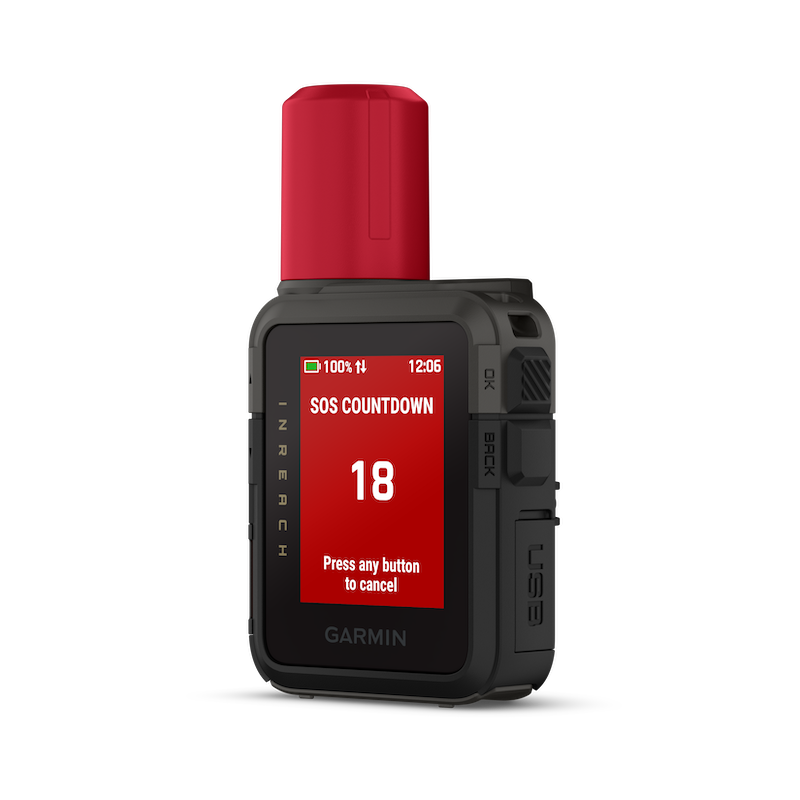
A quick but important distinction: PLB or InReach?
Before getting into suspended versus cancelled, it’s worth clearing something up:
A PLB (Personal Locator Beacon) is a dedicated emergency-only device. It has no subscription, no account, and no monthly fee — you register it once (via AMSA in Australia), and it works for the life of its battery, usually 7 years. When activated, it transmits for 24 hours directly to a government-run satellite search and rescue network, and is treated as a genuine life-threatening distress signal by authorities. I like to think of it as a one way, one fee, once off, one use. [nb. some manufacturers will replace their device if you use them for rescue.]
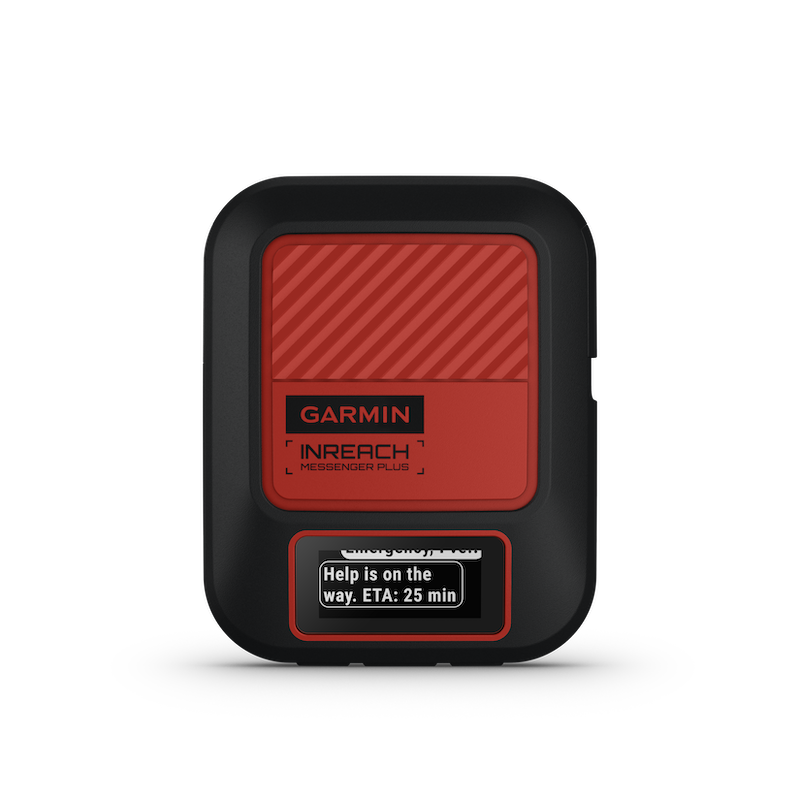
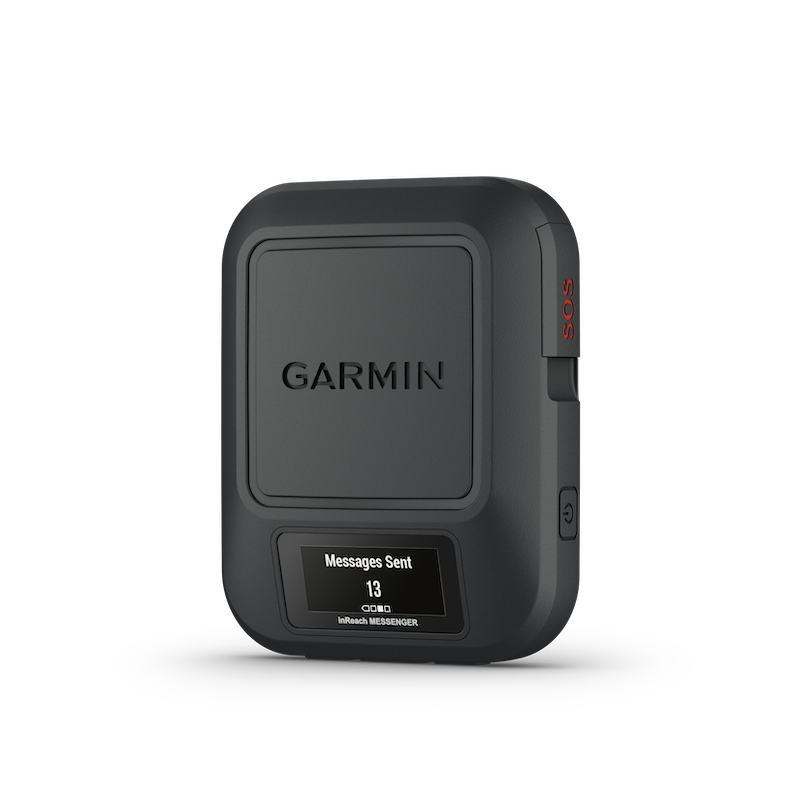
A satellite messenger — like a Garmin inReach, Zoleo or similar is a different category of device entirely and is officially known as a SEND device (Satellite Emergency Notification Device). It gives you many more features: two-way texting, location tracking and check-in messages, as well as an SOS function that alerts a call centre overseas if activated. The call centre immediately contacts AMSA for any SOS activations in Australia. On the downside, the batteries need regular charging, and you pay a monthly subscription. This article explains whether the critical SOS function will work if you’ve cancelled or suspended your subscription.
Take a listen to AMSA technical expert Linda Berryman explain the different types of satellite communication devices in this episode of Rescued, available on Spotify, Apple Podcasts, or wherever you get your podcasts.
Suspended vs cancelled: what’s the actual difference?
This is where we get to the nitty-gritty of the detail. Garmin has confirmed the following for its current inReach plans as at July 2026:
Cancelling
Cancelling a subscription takes effect immediately and puts the device into a deactivated state — it no longer functions on the Iridium satellite network at all. SOS will not work. Your account data is still there to look back on, and you’ll get an email confirming the cancellation went through. This is also the only path that allows a device to move to a new owner: Garmin requires the subscription to be cancelled and the unit put through a master reset (wiping it of the previous owner’s details) before it can be on-sold and registered to someone else. See Garmin links below:
- Cancelling an inReach Subscription Service Plan
- Preparing an inReach Satellite Communicator for a Transfer of Ownership or Return
- Using an inReach Mini Without a Subscription
Suspending
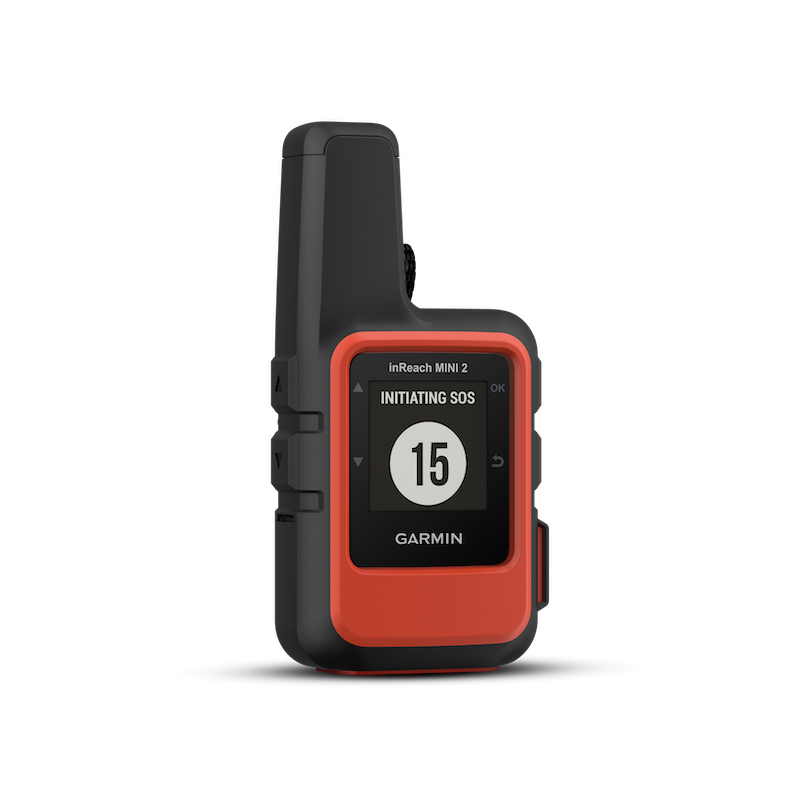
If you want a lighter-touch pause, rather than a full stop, suspending a subscription could be for you. It’s perfect if you’re taking a break from adventuring (up to 12 months), and don’t want to keep paying the full subscription fee. It takes effect immediately, but importantly, doesn’t allow the device to be transferred or on-sold to another user – it stays tied to you while on suspension. The great news? SOS will still work if you follow Garmin’s instructions.
Do I need to do anything to make SOS work?
Yes. SOS during suspension only applies if the device has the relevant software update pushed to it. It isn’t automatic just because your model is on the compatible list. If that update hasn’t landed on your unit yet, the Garmin Messenger or Earthmate app will actually warn you at the point of suspending that the SOS feature will not function while service is suspended — which is a useful, plain-language check you can do yourself before heading out.
Does it apply to all InReach models? What if I’ve got an older InReach?
No. The current list includes 12 models that will work and 9 that won’t. Among the ones that won’t work with SOS during suspension is the original InReach Mini. These were pretty popular when they first came out, so it’s important to check which model you have.
If you’re buying a satellite communicator second-hand
This is really the heart of it, and it applies just as much to a Zoleo or Spot device as it does to an inReach. A few things worth doing before you ever rely on a second-hand unit in the field:
- Ask the seller to properly cancel their subscription and complete a master reset before you buy, not just switch it off or suspend it. Suspending doesn’t free the device up for transfer — only cancelling and resetting does, so this step isn’t optional admin, it’s the only way the device becomes genuinely yours.
- Register the device under your own account, with your own active subscription, once the previous owner’s details are cleared. Don’t assume a device is “ready to go” just because it powers on and finds satellites — SOS specifically will not work without a live, paid plan attached to it.
- Don’t assume the SOS-while-suspended feature applies to your unit just because the model is listed as compatible. If you ever suspend the plan yourself down the track, watch for Garmin’s in-app warning about SOS not functioning — that’s your sign the software update hasn’t come through yet on that particular device.
- If you’re selling one, do the reverse: cancel your subscription and complete the master reset before it changes hands. Someone’s safety may depend on it.
The takeaway
None of this is about causing alarm; it’s simply making sure our emergency gear works for us when we need it. Walking and adventuring in remote areas is worth the effort, and the risk is manageable with the right preparation, skills, experience, choices and fitness.
Satellite communicators are an amazing tool for two-way messaging and other handy features. If you’re relying on one for genuine backcountry safety, a PLB remains the simplest, most foolproof backup with no subscription needed.
Whatever device you carry, the fundamentals still stand: T.R.E.C.K
Take all you need (including mates to avoid walking solo)
Register your trip intentions with the relevant Parks service (eg. NSW NPWS Trip Intention Form)
Emergency communication device (like an InReach or PLB)
Check weather, fire danger, sunset/sunrise, track closures and tides (if relevant)
Know your route and stick to it (learn to navigate)
BUY an InReach
If you’re on the lookout for a device, you can buy one now through my affiliate link.